Before submitting a link, you can check the total file size directly on the source platform. This helps you choose the right plan and avoid hitting your size limit. For most platforms, if the link contains a single standalone file rather than a folder, the file size will usually be displayed directly in the file listing without needing to look further.Documentation Index
Fetch the complete documentation index at: https://help.baidudl.com/llms.txt
Use this file to discover all available pages before exploring further.
Pan Quark
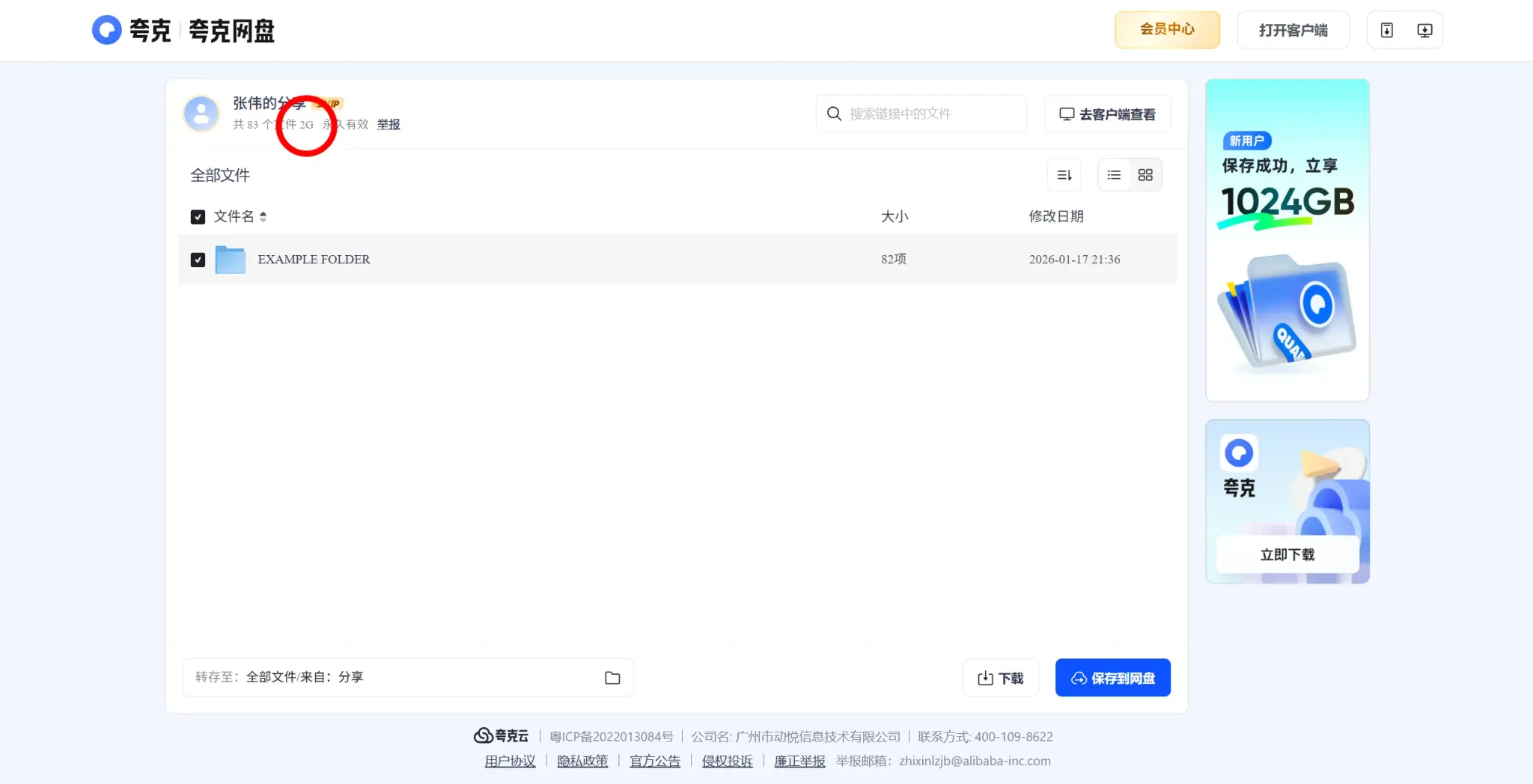
The total size of the shared link is shown at the top of the page, as shown below. Note that Quark displays sizes using abbreviated units: G for gigabytes, M for megabytes, and T for terabytes.
123Pan
The file or folder size is displayed in the file listing, as shown below.

Pan Xunlei
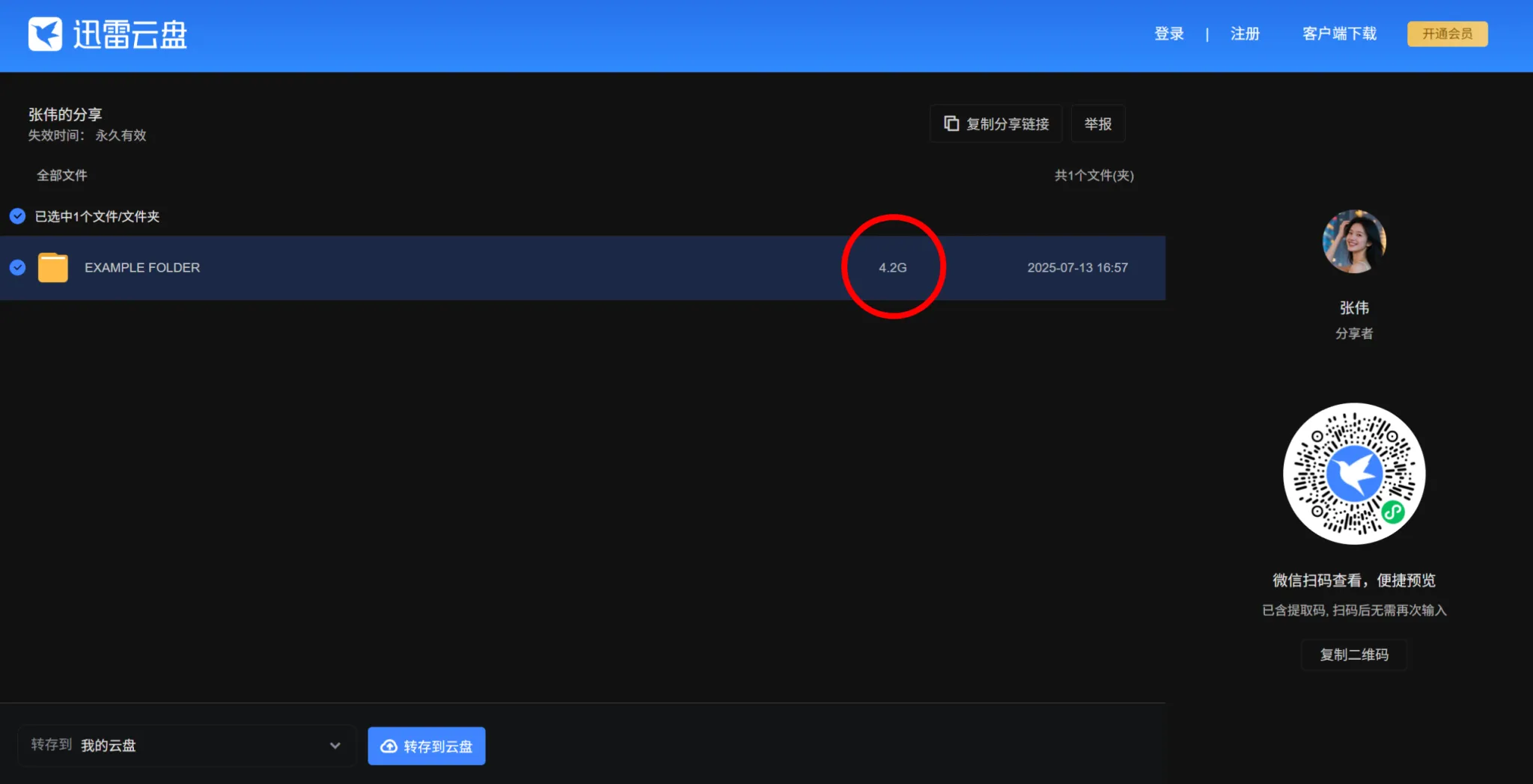
The file or folder size is displayed in the file listing, as shown below. Like Quark, Xunlei uses abbreviated units: G for gigabytes, M for megabytes, and T for terabytes.